The app
Nightfall and Hibernia Glass
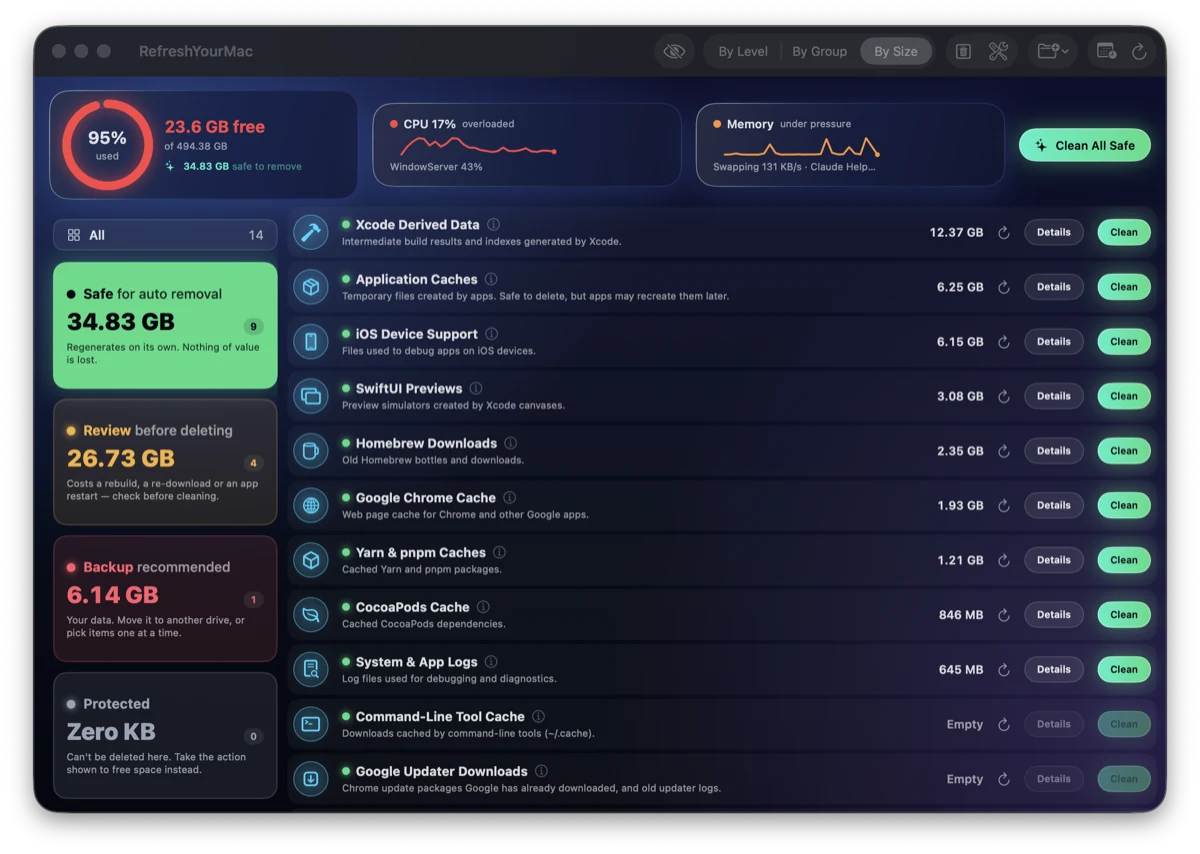
Atzu Safe Data Cleaner comes in two skins. Nightfall is the default, dark with cyan and violet glows. Hibernia Glass is light and green, with Apple's Liquid Glass on macOS 26. Pick one in Settings, and the safety colours mean the same in both.
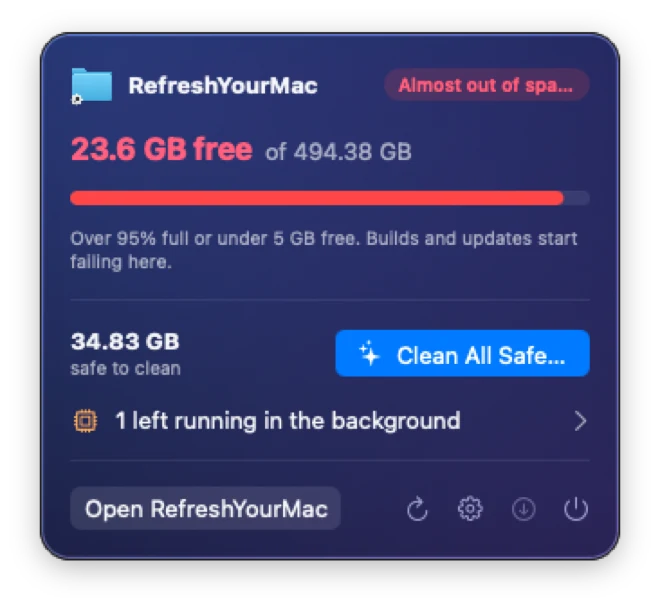
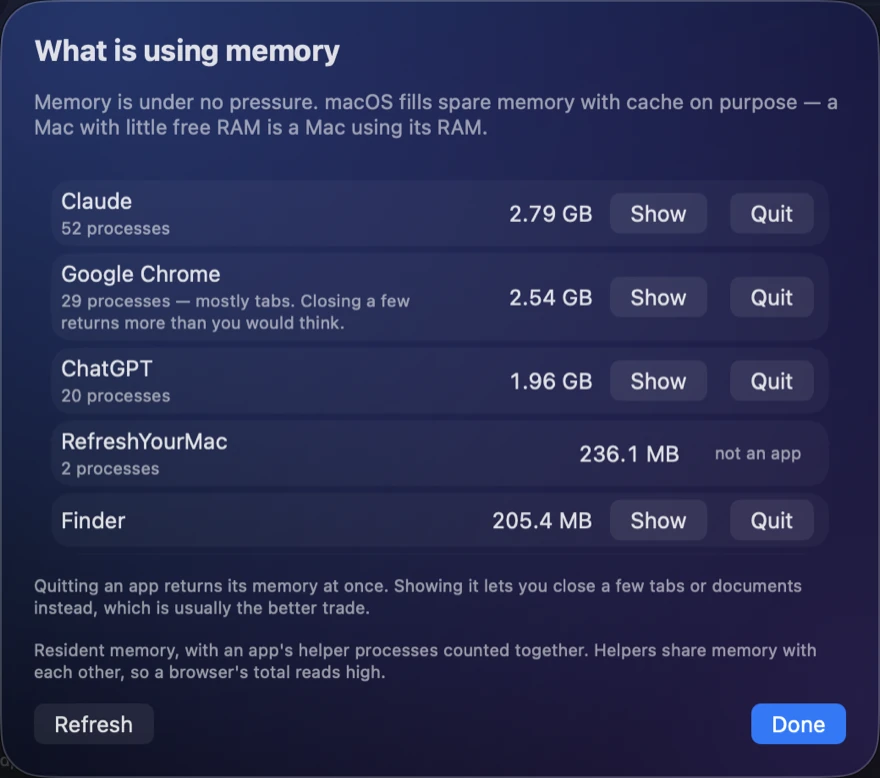
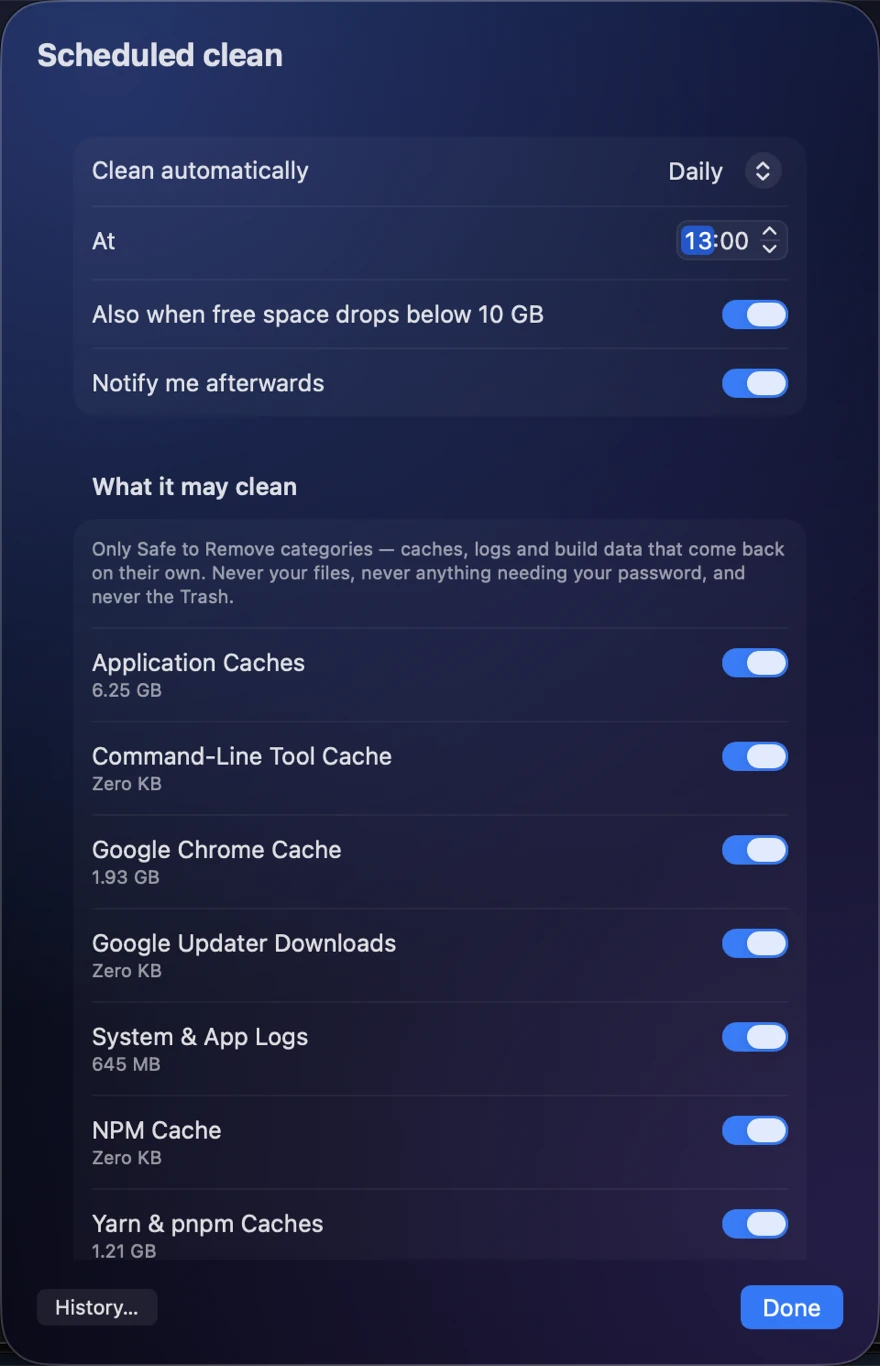
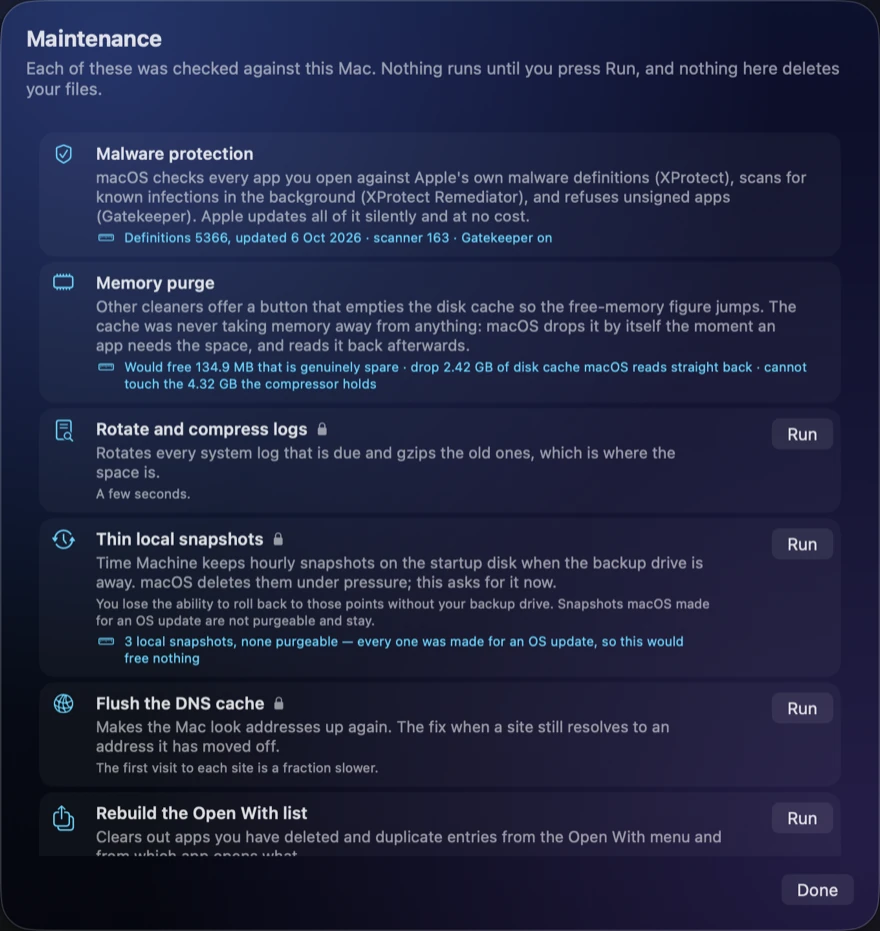
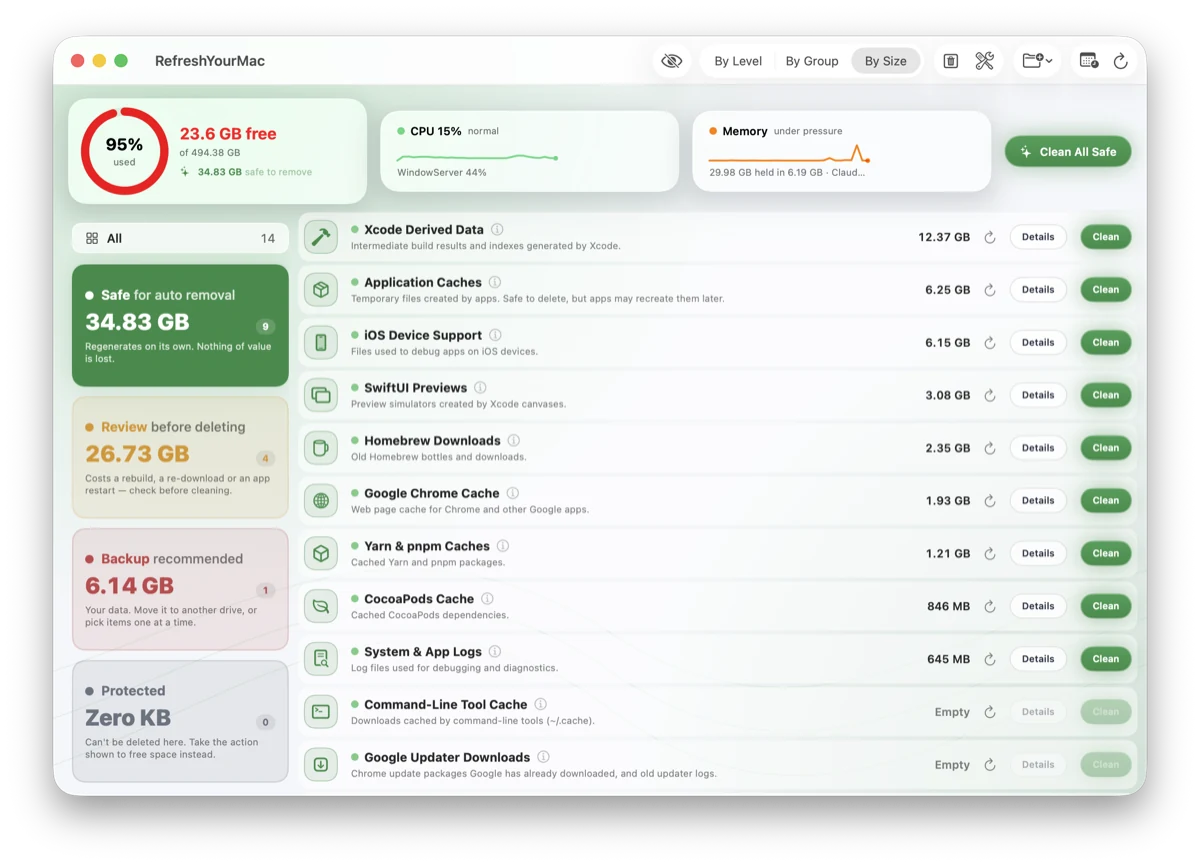
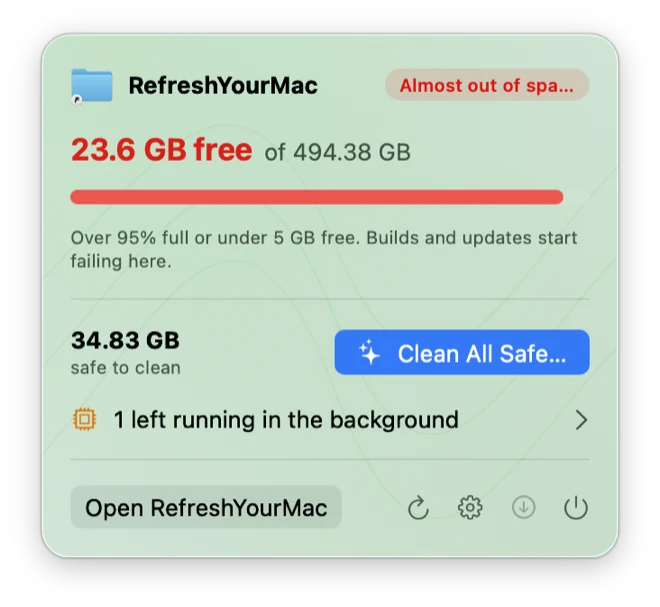
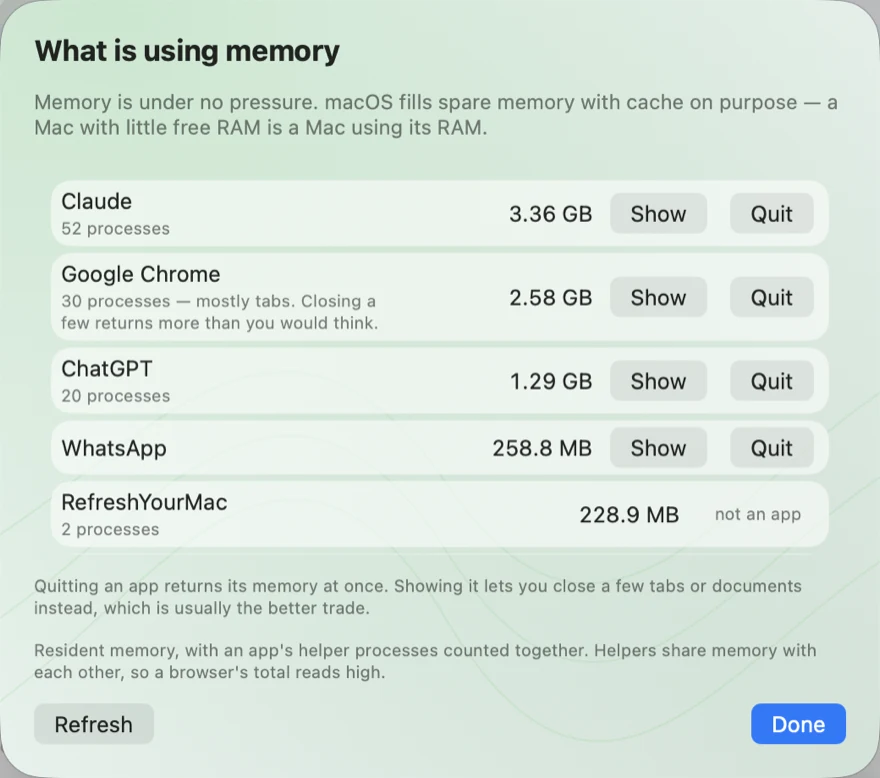
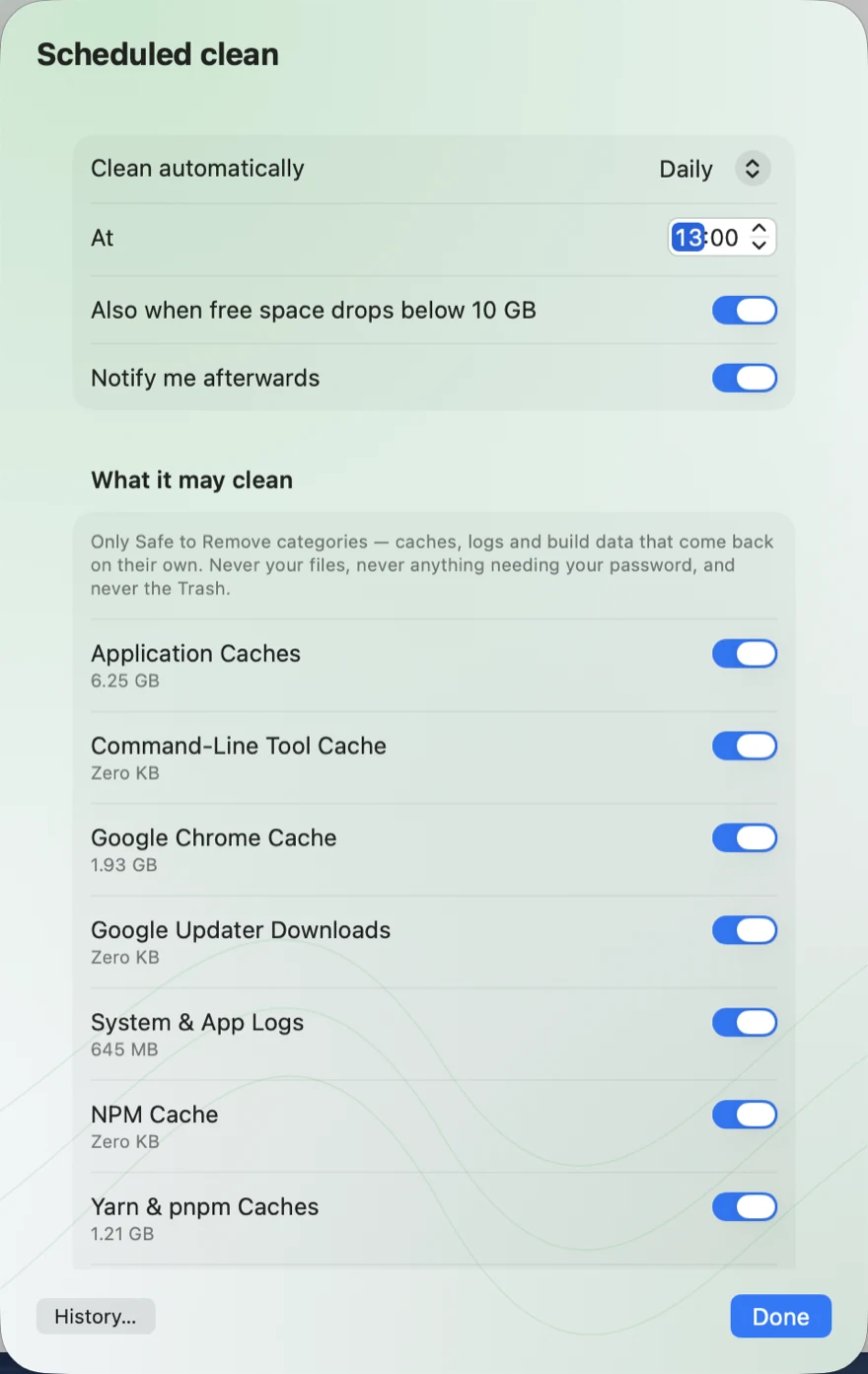
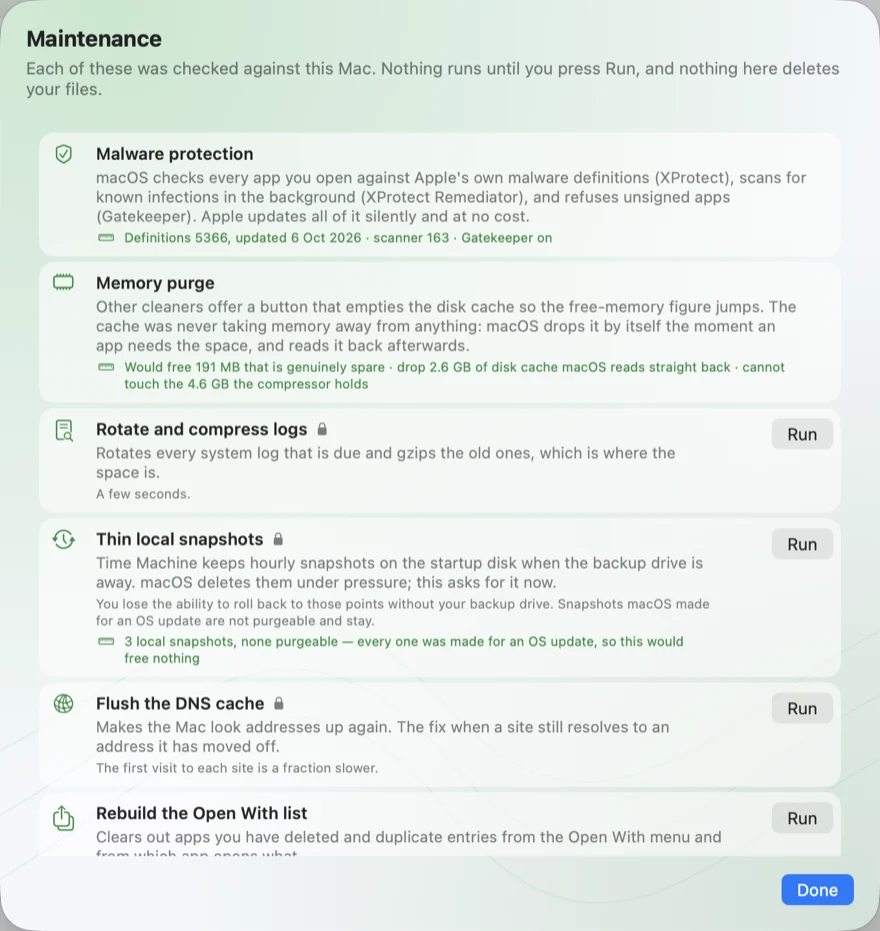
Both skins show the same numbers below: one Mac in the app's sample mode, captured on 8 October 2026, so you can compare them like for like. Select any picture to see it full size.
Nightfall
The default. A deep navy window with cyan and violet glows, and a ring that sweeps while the scan runs. It is dark whatever your Mac's appearance is set to, so it looks the same at noon and at midnight.
Hibernia Glass
Light and green, with navy controls. On macOS 26 the tiles are Apple's Liquid Glass; on macOS 15 they are frosted panels instead, which is the closest the older system can draw. It is light whatever your Mac's appearance is set to.
What stays the same
The four safety colours keep their meaning in both skins: green for Safe for auto removal, amber for Review before deleting, coral for Backup recommended and grey for Protected. Every button, every measurement and every rule about what may be deleted is identical. A skin changes how the window looks and nothing about what it finds or cleans.
How to switch
Open Settings with ⌘ , and choose a skin under Appearance. The window changes straight away, and the sheets it opens follow it. The same pane has a switch for the scanning and cleaning animations, if you would rather the window kept still. Skins arrived in version 1.2h and are included for everybody, licence or not.
What to do next: see these numbers for your own Mac. Download Atzu Safe Data Cleaner free, or get it on the Mac App Store.
What it costs to have an app do this
| Atzu Safe Data Cleaner | CleanMyMac | MacKeeper | |
|---|---|---|---|
| Pay once | $24.99 | €119.95 on MacPaw’s store; $89.99 for CleanMyMac X on the Mac App Store | subscription only |
| Yearly | $14.99 a year, first 7 days free | $39.99/yr on the Mac App Store; €39.95/yr on MacPaw’s store | €71.40 for the first year, 1 Mac. Their page shows it against a €119.40 list price |
| Monthly | $1.99 a month | $9.99/mo | €10.95/mo |
| Account needed | No | Yes | Yes |
Both versions' yearly plans start with 7 days free. CleanMyMac and MacKeeper prices read from their own pages and the Mac App Store on 27 October 2026; the full comparison is at Atzu Safe Data Cleaner vs CleanMyMac and MacKeeper.
Frequently asked questions
How do I change the skin in Atzu Safe Data Cleaner?
Open Settings with Command-comma and choose a skin under Appearance. The window changes straight away and the sheets it opens follow it. The same pane has a switch for the scanning and cleaning animations, if you would rather the window kept still.
Does Hibernia Glass look the same on macOS 15 as on macOS 26?
No. On macOS 26 its tiles are Apple’s Liquid Glass; on macOS 15 they are frosted panels instead, the closest the older system can draw. Either way it is light whatever your Mac’s appearance is set to.
Does changing the skin change what gets cleaned?
A skin changes how the window looks and nothing about what it finds or cleans. The four safety colours keep their meaning in both: green for Safe for auto removal, amber for Review before deleting, coral for Backup recommended and grey for Protected.