In Photos, open Media Types → Screenshots. Tap Select, drag across the rows to pick many at once, and tap the bin. Do the same for Screen Recordings, which take far more space.
Delete screenshots in bulk
Open Photos and scroll down to Media Types (on iOS 17, Albums → Media Types).
Tap Screenshots. The oldest are at the top.
Tap Select, then drag your finger across and down the grid to select many at once.
Tap the bin and confirm.
Don't forget
Screen Recordings, in the same Media Types list: a minute of recording can be larger than hundreds of screenshots.
Recently Deleted: the space comes back only when it is emptied, after 30 days or when you tap Delete All.
With Atzu
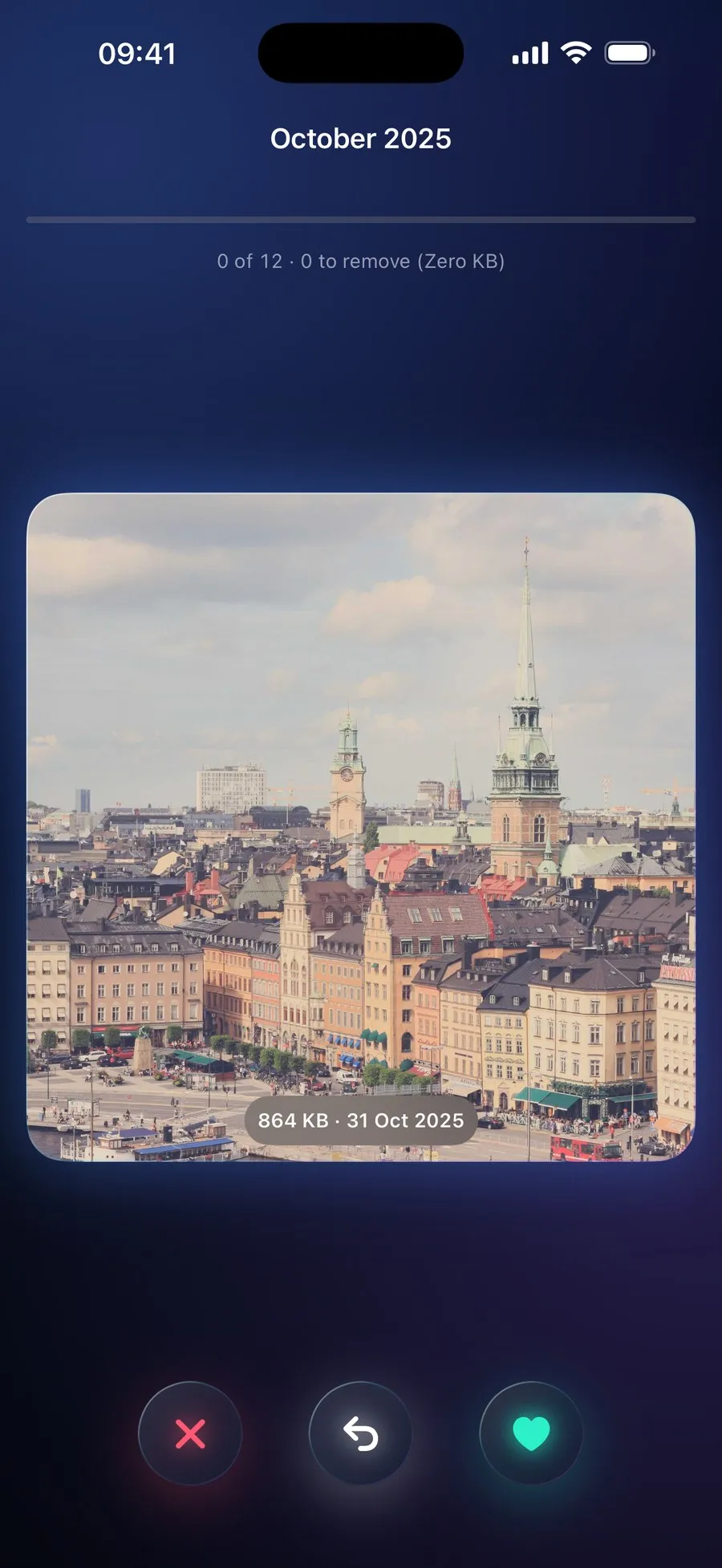
Atzu groups your screenshots by month and filters them by age, so you can clear the old ones and keep the recent ones.
Or swipe through a month at a time, one photo after another, keeping or deleting each one.
On the App Store and Google Play (as Atzu: Photo & Video Cleanup). Free to scan; €9.99 a year unlocks every clean-up. The yearly plan starts with a 7-day free trial for new subscribers.
iPhone, iOS, iCloud and App Store are trademarks of Apple Inc., and Android and Google Play are trademarks of Google LLC. WhatsApp and Telegram belong to their owners. Atzu: Photo & Video Cleaner is not affiliated with or endorsed by Apple, Google, WhatsApp or Telegram.